
WIVICS PANEL SOLUTIONS / APPLICATION GUIDE
Education & School Furniture
Panel systems configured around learning activities, cleaning routines, repeated contact and changing room layouts.
WIVICS coordinates surfaces, furniture modules, supports and fabrication interfaces as one project-specific arrangement.
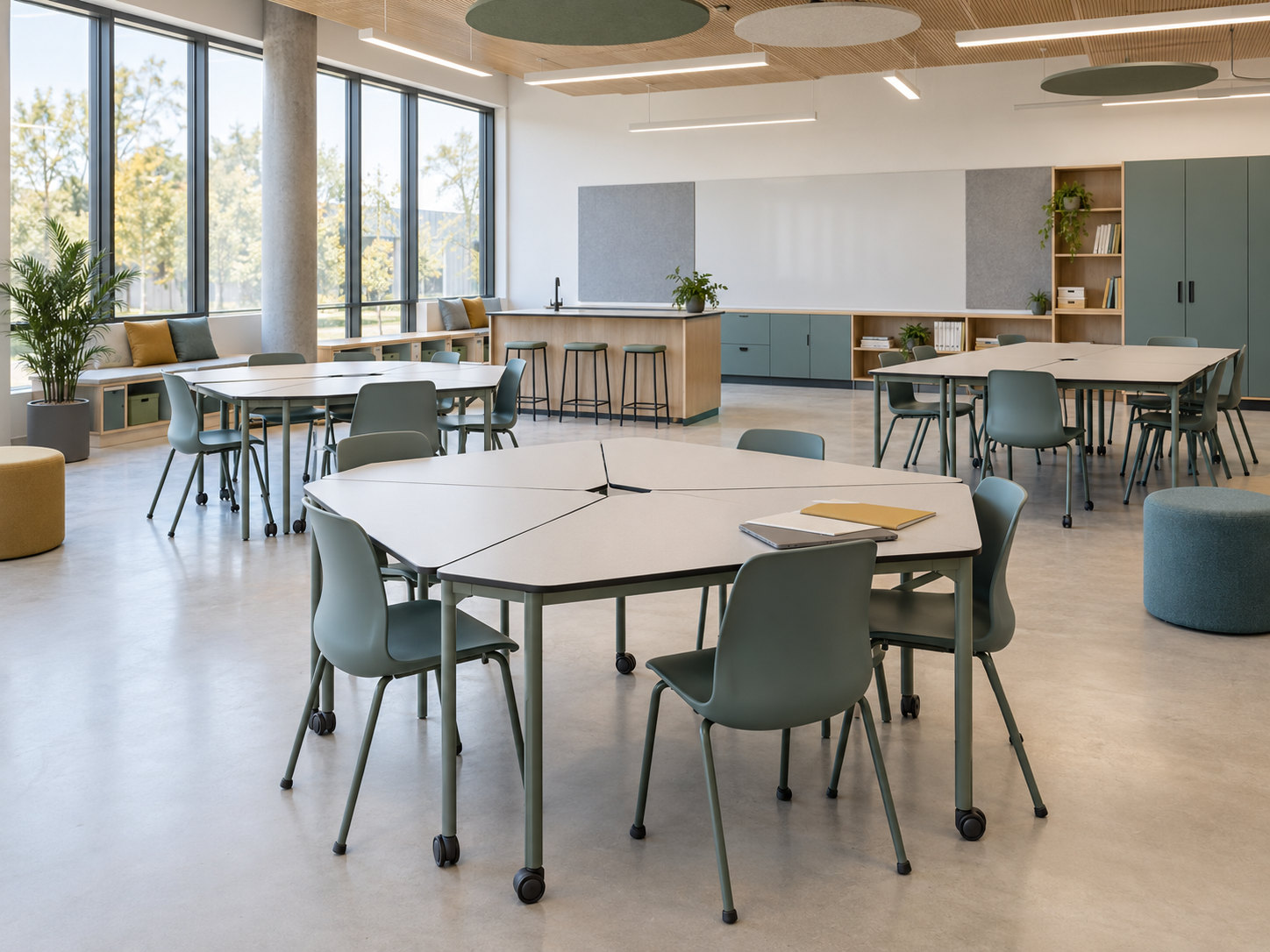
01 / Learning environments & project conditions
Start with the learning setting
Review teaching mode and room use alongside the learner age range and furniture scale. Project-specific requirements and applicable local standards govern the final configuration.
Capacity, sightlines and circulation
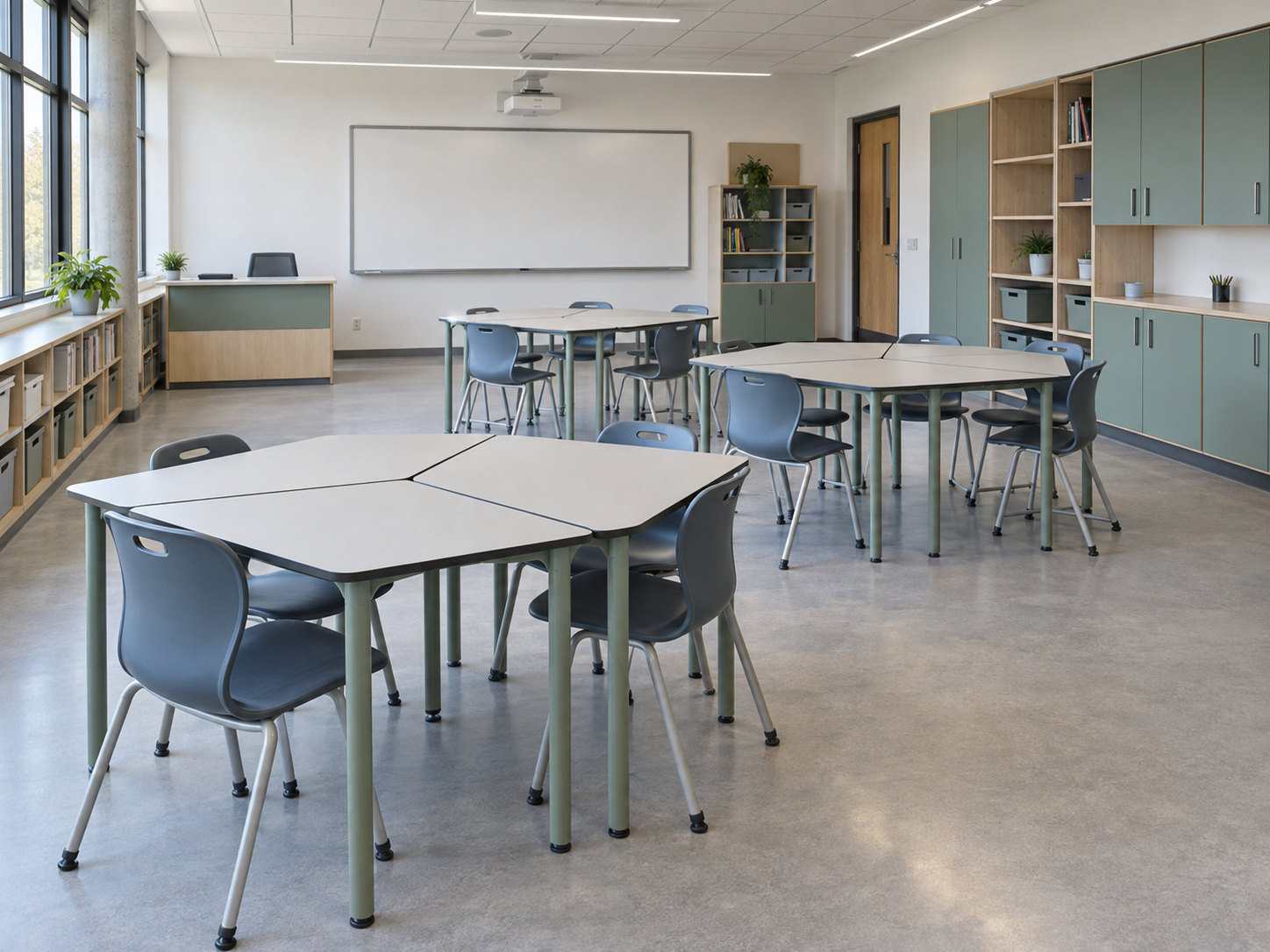
Coordinate classroom capacity, sightlines and accessible circulation. Review supervision, clear movement routes and storage demand in relation to furniture positions and door openings.
Layouts and everyday use
Compare fixed and reconfigurable layouts for different learning activities. Identify repeated contact areas and cleaning routines, including access around and below furniture.
Room and service conditions
Confirm floor, wall and service conditions, available dimensions and installation constraints. Record local requirements and the project-specific review needed before developing the furniture arrangement.
02 / System configuration
Coordinate furniture as an assembly
Surfaces, modules and storage
Coordinate compact laminate work surfaces, table and desk modules, storage and cabinet fronts. Review module repetition and the room layout as one arrangement, with circulation maintained between components.
Supports and movement
Review supporting frames and legs alongside fixed and mobile components. Match the selected work surface, support positions and proposed hardware to the intended furniture configuration.
Openings and access
Resolve hardware and opening interfaces, power or data access where required, and replacement access. Review the selected grade, assembly and project requirements before confirming the component set.
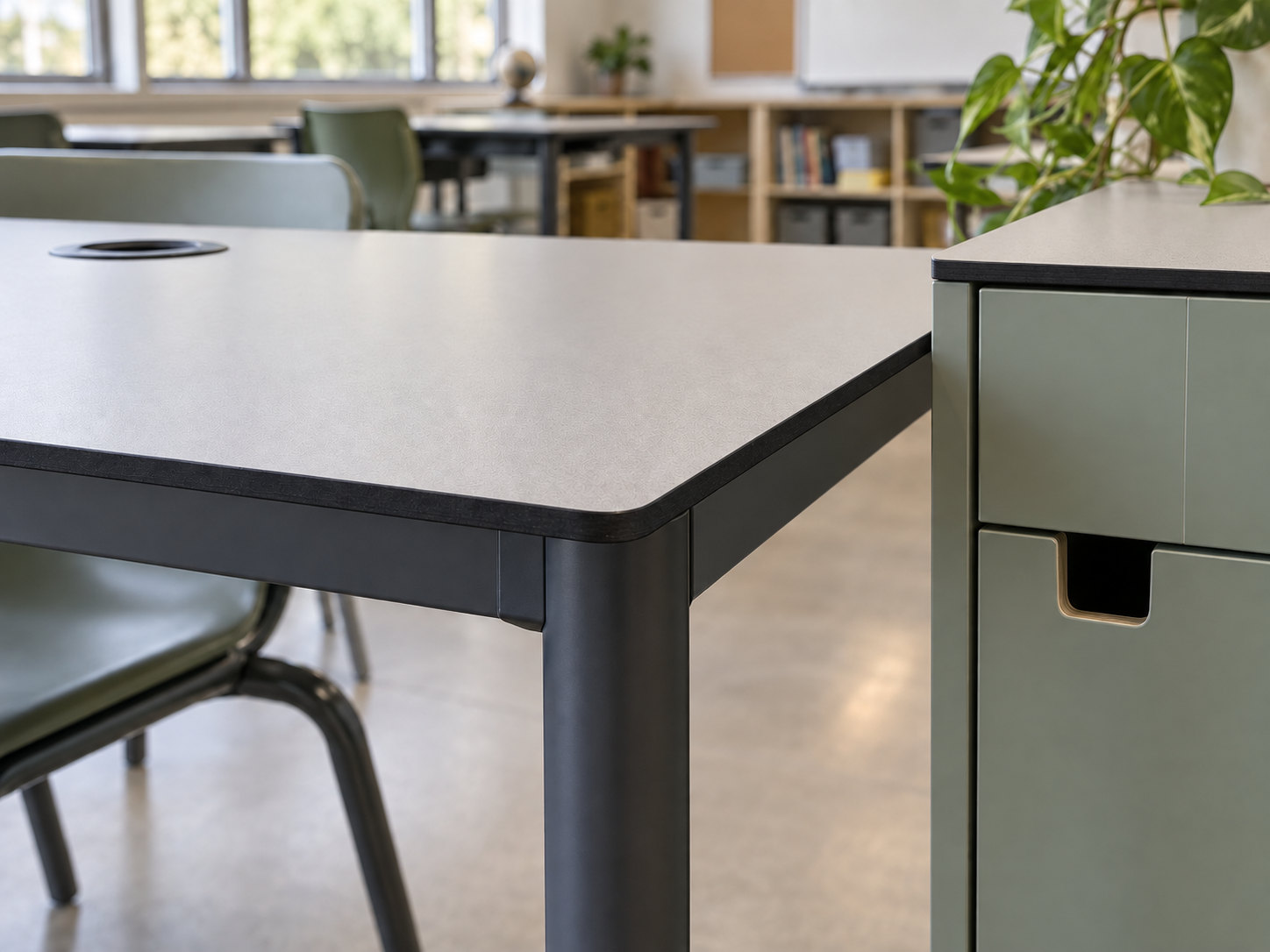
03 / Design & fabrication
Define the surface and machined profile
Slim surface and exposed core
Develop a slim compact laminate work surface around 12 mm, subject to the selected grade and support requirements. Coordinate CNC-routed shapes and rounded corners with an exposed dark phenolic core.
Finish, openings and hardware preparation
Review surface and colour coordination using approved samples. Set out cut-outs and service openings, drilling and hardware preparation in relation to the supporting assembly.
Repeatable components and drawings
Record repeated modules and part identification to support fabrication coordination. Confirm component dimensions, edge geometry and fabrication drawings before production.
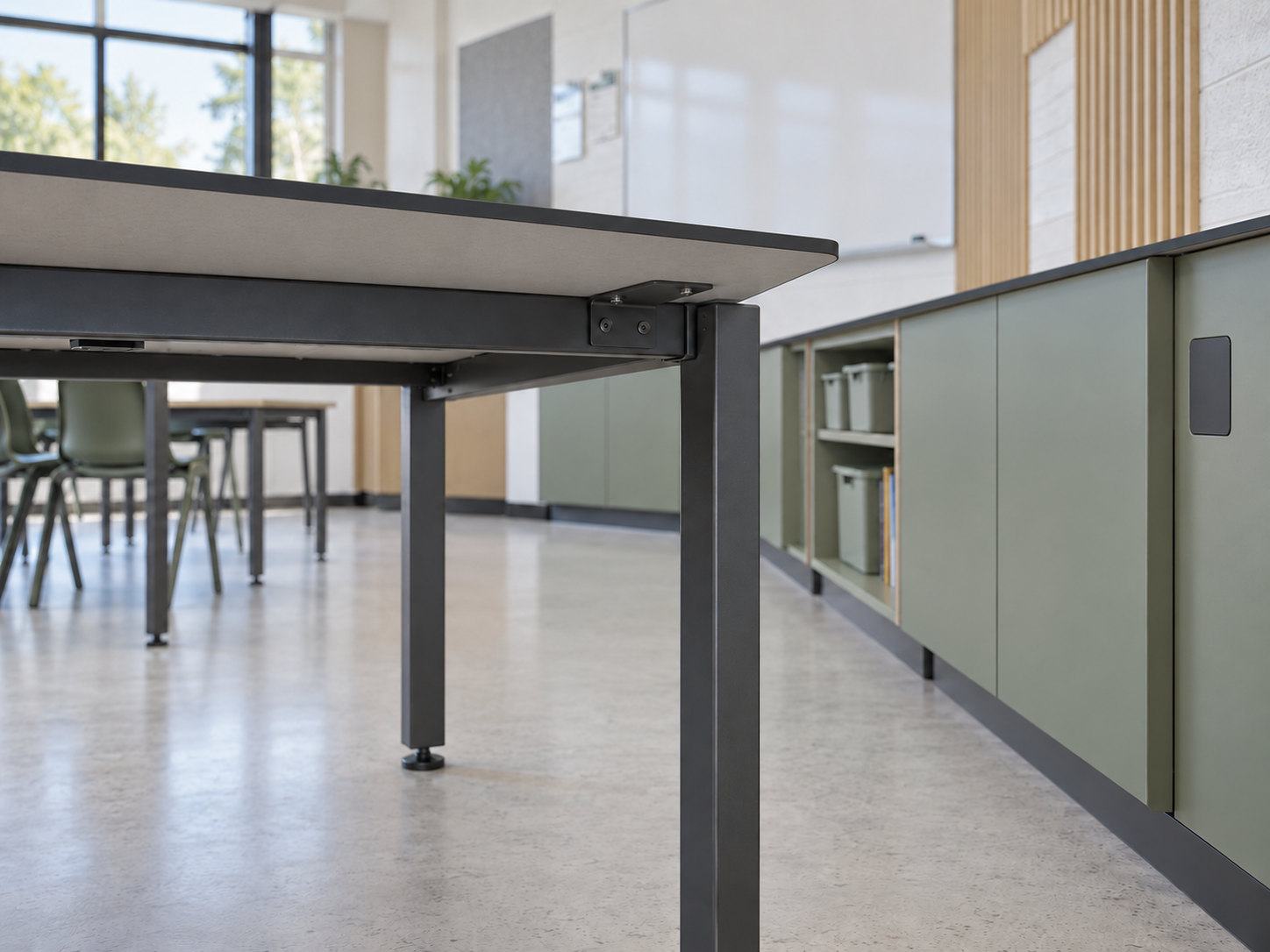
04 / Assembly & interfaces
Coordinate the connections
Frames, brackets and adjoining panels
Resolve table-frame and bracket coordination alongside cabinet and panel interfaces. Review hardware clearances and service penetrations against the component drawings.
Legs and movable components
Coordinate legs, glides and locking castors for the proposed arrangement of fixed and movable components. Confirm hardware selection and its operating clearances with the project team.
Site dimensions and ongoing access
Verify site dimensions before production and agree the installation tolerance. Preserve maintenance and replacement access at brackets, cabinet fronts and service interfaces.
05 / Configuration scenarios
Education Configuration Scenarios
These configuration scenarios illustrate how panel surfaces, furniture modules, storage and circulation can be coordinated for different learning settings. Final dimensions, hardware and installation details are developed for the project conditions.
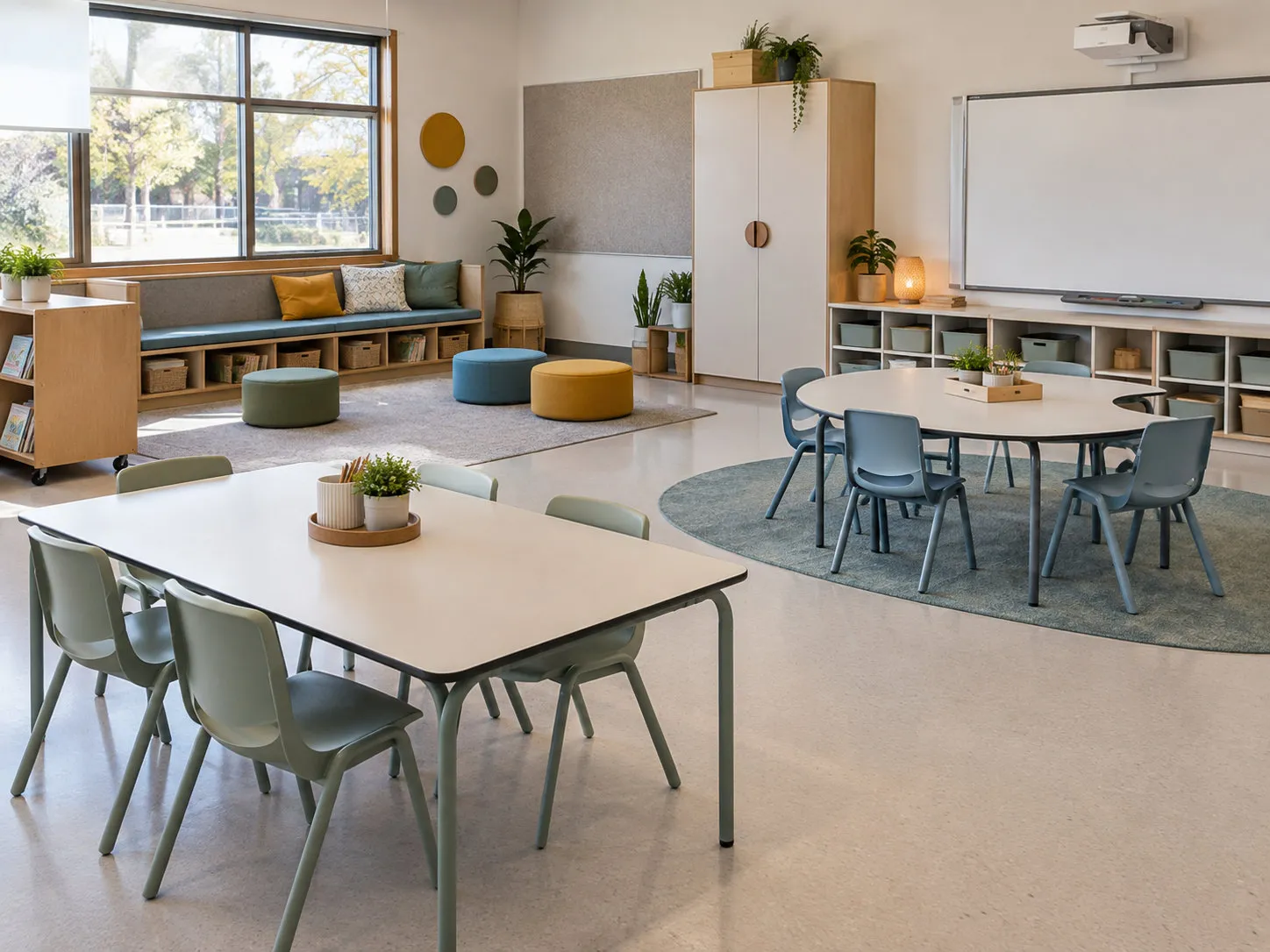
Configuration scenario
Primary Classroom
Arrange group learning tables and low storage around clear movement routes. Coordinate furniture scale, supervision and access to shared resources with the room plan.
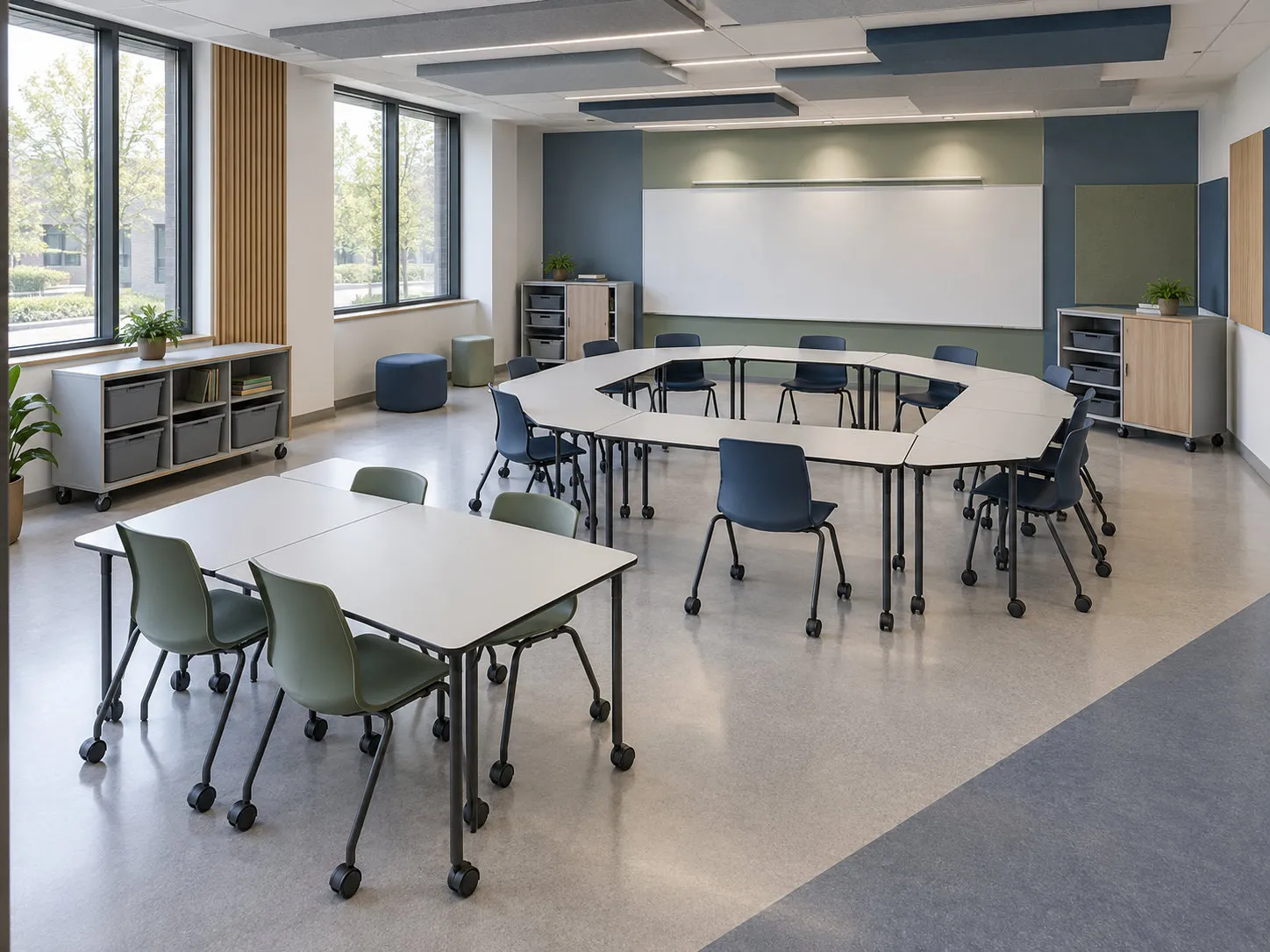
Configuration scenario
Collaborative Learning Studio
Review reconfigurable table groups, shared resources and storage for varied teaching arrangements. Coordinate castors, module connections and circulation for each proposed layout.
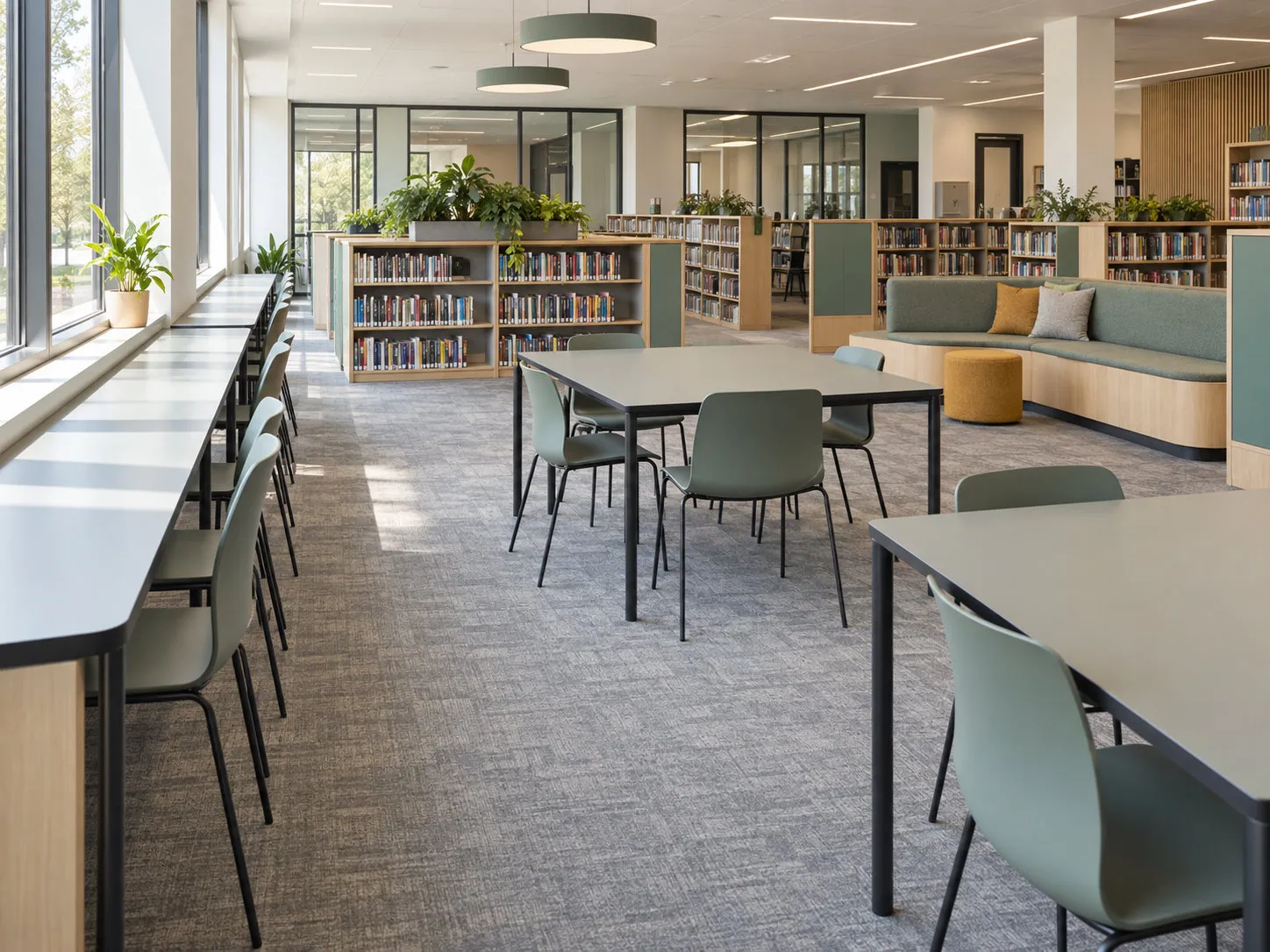
Configuration scenario
Library & Learning Commons
Coordinate individual study places, collaborative tables, bookshelves and reading areas. Maintain clear access routes and review work-surface supports alongside the storage arrangement.
06 / Evidence & project documentation
Evidence and project documentation
WIVICS connects application engineering and localized specification with panel and furniture configuration, fabrication coordination and installation interface coordination. Project documentation records the proposed arrangement and the information needed for review.
Room, furniture and finish schedules
Record room and furniture schedules, finish and colour schedules, and the selected grade. Review relevant technical data and any applicable test evidence for the proposed use.
Component and fabrication drawings
Coordinate panel and component drawings, fabrication details and part identification. Track revisions and project approvals before production.
Interfaces and installation information
Record interface and hardware coordination with installation reference information. Confirm project-specific requirements with the responsible design team.
07 / Panel system
Review Compact Laminate Panels
Explore panel construction, exposed edges and fabrication considerations as inputs to the furniture review. Confirm the selected grade, assembly and project requirements before developing the final configuration.
Explore Compact Laminate PanelsProject review
Discuss an Education Project
Share the learning setting, room layouts, furniture requirements and project conditions. WIVICS can coordinate the panel configuration, fabrication scope and installation interfaces for review.