
COMPACT LAMINATE PANEL SYSTEM
Compact Laminate Panels
Understand the material. Define the configuration. Coordinate the assembly.
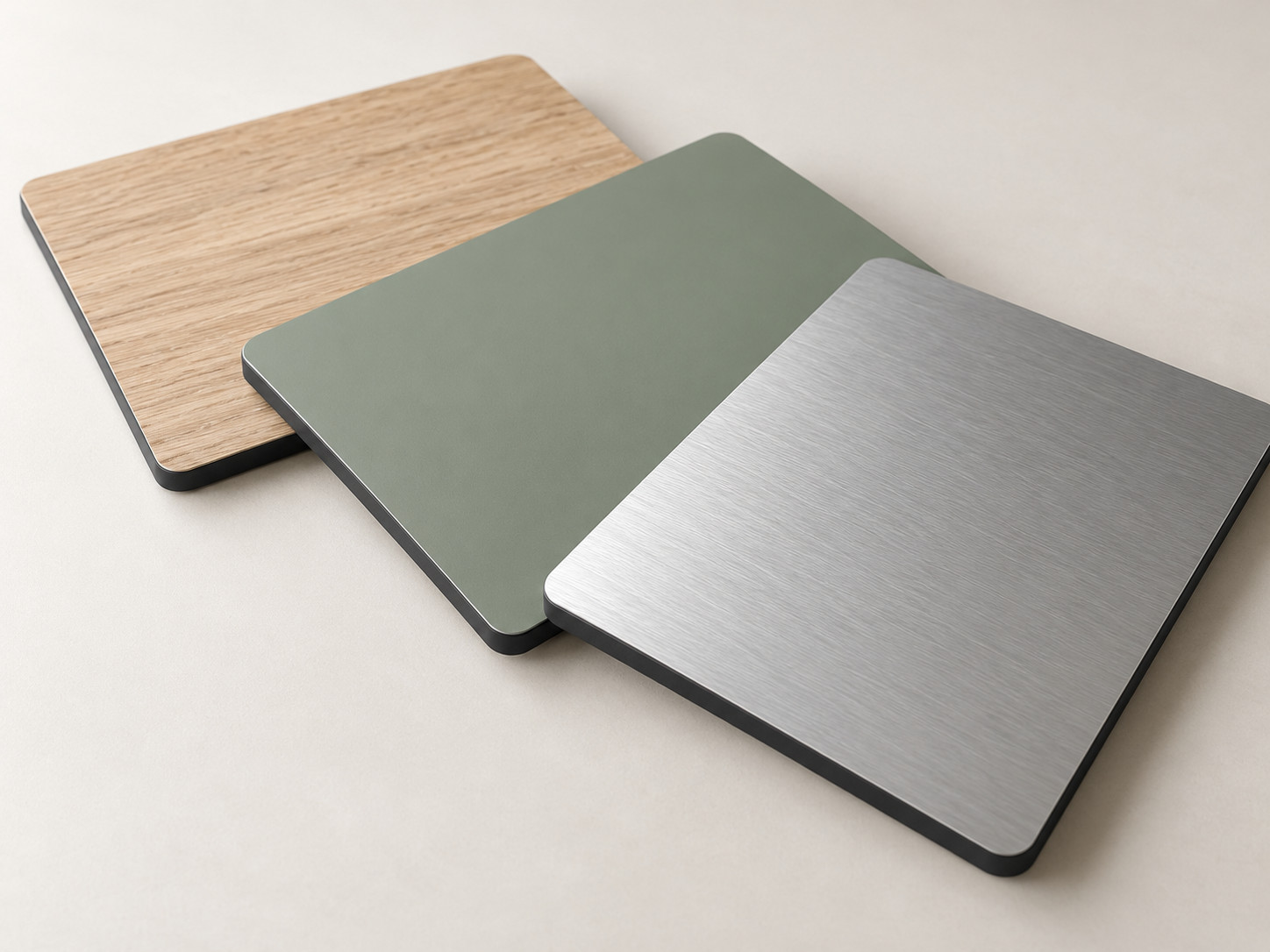
Compact Laminate combines decorative surfaces with a consolidated laminate core. WIVICS reviews grade, thickness, dimensions, edges, machining, supports and fixing interfaces together around the intended use.
01 / Material & Construction
Understand the Panel Before Defining the Configuration
HPL is the general technical name for High Pressure Laminate. Resin-impregnated layers are consolidated under heat and pressure; Compact Laminate is a form of HPL with decorative surfaces and an integrated laminate core.
A cut section reveals the core and creates an edge that may remain visible or receive a specified profile. This panel material is one part of the final assembly: its dimensions, supports and connections still need to be defined.
| Review topic | Thin HPL Bonded to a Substrate | Compact Laminate |
|---|---|---|
| Basic construction | A thin decorative HPL sheet bonded to a separate supporting substrate. | Decorative surfaces and a laminate core integrated into one panel. |
| Key construction considerations | The combination of HPL sheet, adhesive and supporting substrate. | Thickness, section, edge, machining and support. |
| Project review | Substrate selection and bonding conditions. | Panel dimensions and the conditions of the assembly. |
Thin HPL Bonded to a Substrate
Compact HPL panel
Bonded construction. The thin HPL sheet includes decorative and resin-impregnated core layers consolidated into a laminate. It is bonded to a separate supporting substrate to form the panel assembly. The adhesive bond and edge treatment are coordinated separately.
Compact construction. The decorative faces and consolidated laminate core form a single compact HPL panel, with a machined or exposed edge as appropriate.
Concept diagram—not to scale. Final suitability depends on grade, thickness, panel dimensions, loading, support and fixing conditions.
02 / Surface, Core & Edge
Resolve Appearance Through the Surface, Core and Edge
Appearance continues across the faces, cut section and edge. Review these surfaces together under the project's lighting and contact conditions.
- Color, pattern and surface
- Consider texture and sheen as well as color; coordinate the front and back faces and the direction of the pattern.
- Core and visible edge
- Review the core appearance at exposed cuts, the intended edge profile and corner treatment alongside the face finish.
- Adjacent materials
- Align panel joints, pattern direction and visible edges with the finishes and components around them.
Confirm the available surface, texture and core through physical samples and project requirements. Screen images and design categories do not define a supplied finish range.
Colors & Surface Finishes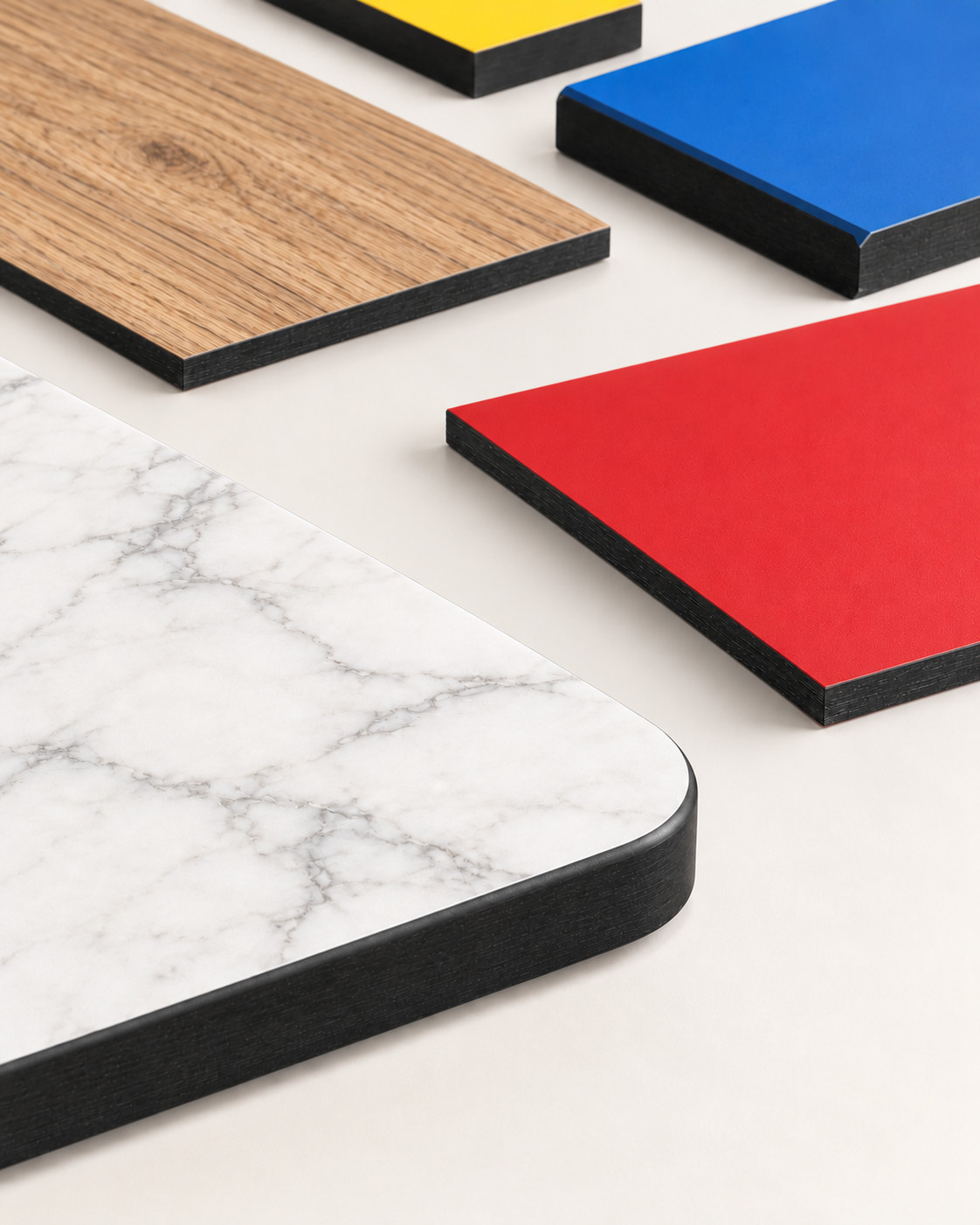
03 / Grade & Performance
Select the Grade Around the Required Performance
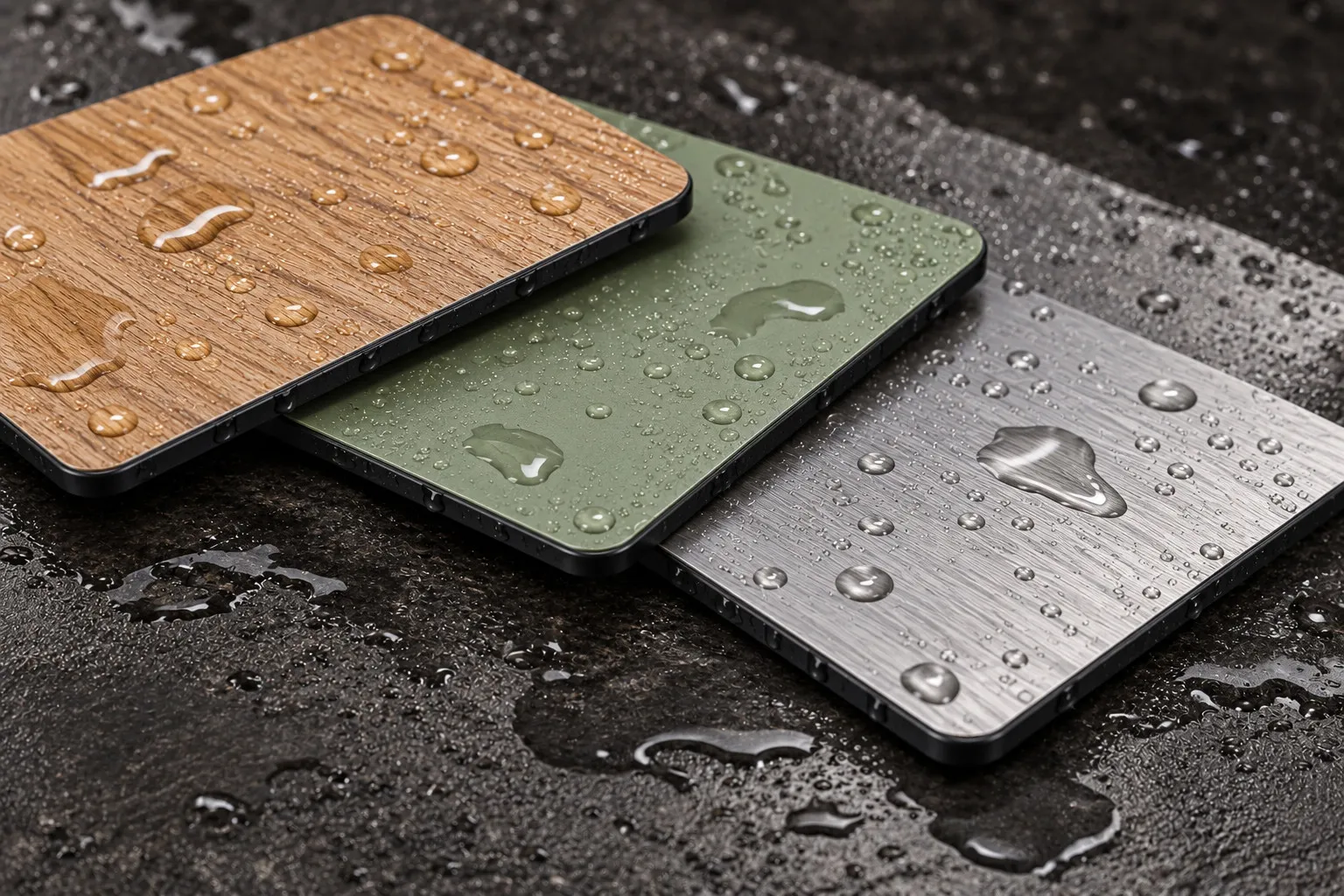
A project may combine several requirements. Review them together when selecting the grade, surface and assembly, and check that supporting evidence covers the proposed configuration.
| Project condition | Review focus |
|---|---|
| Interior use | Intensity of use, surface selection and routine maintenance. |
| Exterior exposure | An appropriate exterior grade, actual exposure and installation configuration. |
| Moisture and cleaning | Surface, edges, joints and fixing locations in relation to water contact and cleaning. |
| Chemical contact | The substance, concentration, contact time and compatibility with the selected surface. |
| Impact and wear | Panel configuration, support and connection conditions under expected use. |
| Fire requirements | Documentation matching the selected grade, thickness and assembly scope. |
| Hygiene and maintenance | Surface, edge and joint details together with the proposed care methods. |
A material name alone does not establish performance. Confirm the relevant documentation and its scope before finalizing selection.
04 / Thickness, Dimensions & Support
Define Thickness Together With Dimensions and Support
Thickness is a configuration decision. Read it together with the component size, loads, openings and supporting assembly.
- From original panel to component
- Relate the available original panel size to final component dimensions, horizontal or vertical installation orientation, and openings or cut-outs. Also consider the original panel's length and width directions and the component cutting direction.
- From load to support
- Review clear unsupported spans, support positions, unsupported overhangs, loads and repeated use; distinguish fixed components from moving components.
- From configuration to handling
- Consider how thickness and component size affect handling weight, access and assembly sequence before releasing the dimensions.
A / Panel plan view
B / Section through supports
The plan view and section show the same panel and support boundaries. Clear unsupported span is measured between the inner support faces; unsupported overhang is measured from the outer support face to the panel end. Review these together with thickness, panel dimensions, loading and whether the component is fixed or moving.
Concept diagram—not to scale. Support positions and final thickness must be confirmed for the actual grade, dimensions, loads, fixing method and project conditions.
05 / Machining & Fabrication
Carry the Panel Configuration Into Fabrication
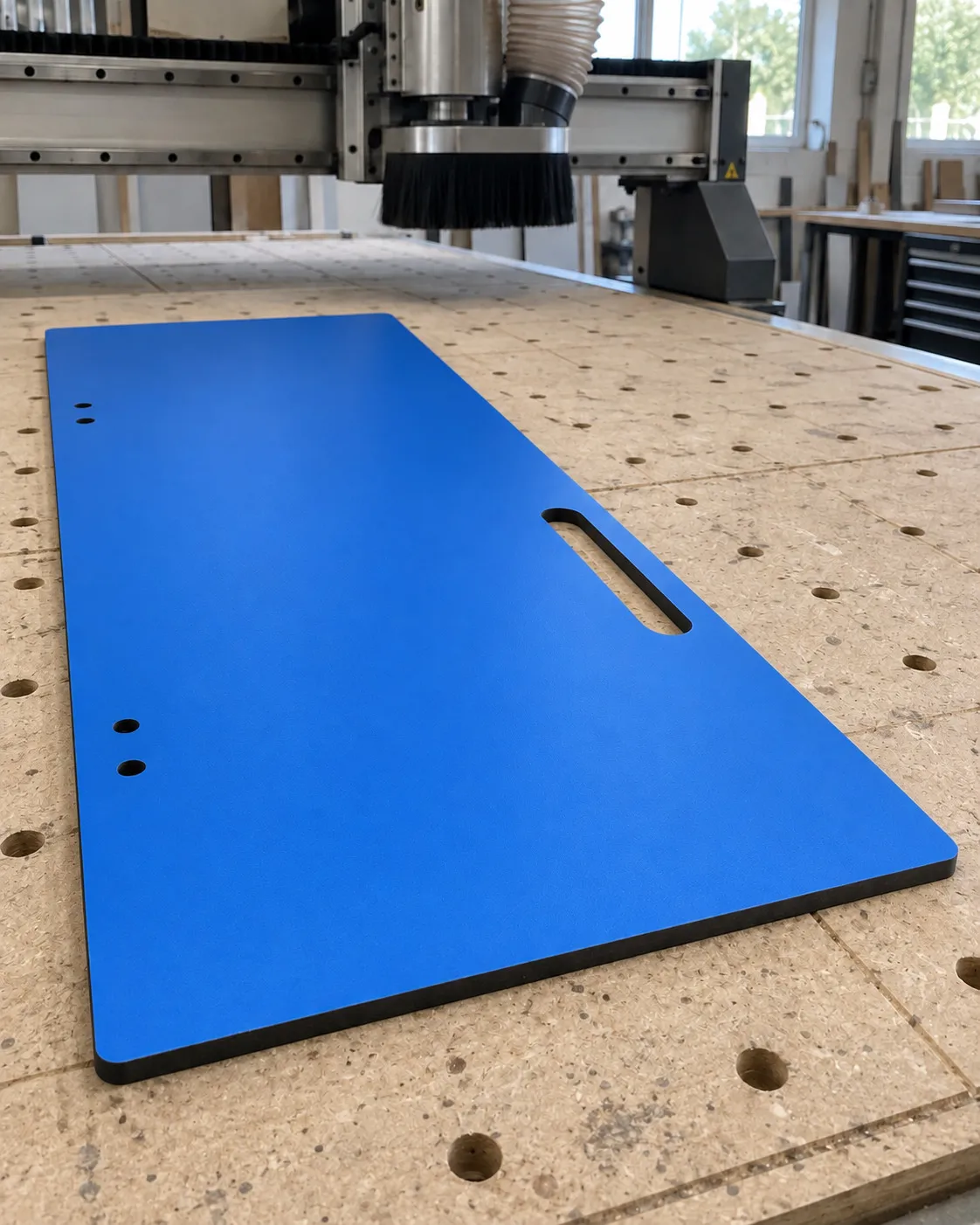
Translate the approved configuration into identifiable components. Resolve dimensions, profiles, openings and tolerances in the drawing and fabrication approval process.
Cutting & Sizing
Cut the panel to final component dimensions and any shaped outline. Confirm the cutting layout, pattern direction, tolerances and component identification.
Edge Profiling
Form the specified visible edges and corners. Confirm the profile, corner treatment and acceptable finish on drawings and samples.
Drilling & Cut-outs
Prepare holes and openings for the intended interfaces. Confirm their position, size, shape and relationship to edges and supports.
Hardware Preparation
Prepare each component for the selected hardware. Confirm fixing locations, connection depth or through-holes, orientation and alignment with the approved hardware details.
06 / Fixing, Joints & Installation
Coordinate the Panel With the Supporting Assembly
The panel must meet its frame, hardware and surrounding construction. Define these interfaces for the application; a connection concept is not a universal installation method.
- Frame and fixing concept
- Coordinate the supporting frame or substructure, visible or concealed fixings, and hardware interfaces. Review through-fixing and non-through connections against the selected panel and loads. For non-through connections, review panel thickness, fixing depth and remaining material.
- Joints and clearances
- Resolve joints, movement allowances and edge clearances, with drainage or ventilation where the exposure and assembly require them.
- Installation and replacement access
- Confirm site dimensions, adjacent construction and access for fitting, inspection and replacement before finalizing the detail set.
These are coordination topics, not installation instructions. The project detail and responsibilities must be agreed for the actual assembly.
A / Panel-to-frame coordination
B / Joint and movement coordination
The hatched squares mark indicative fixing zones. Edge-to-zone-centre dimensions relate panel edges to these zones; they do not specify minimum fastener edge distances.
Movement is accommodated through the coordinated design of joints and fixings. The joint may open or close as panel dimensions change; the fixing concept must allow the required movement. Access for fabrication, installation, inspection or replacement depends on the selected fixing concept and project conditions.
Concept diagram—not an installation detail. Final fixing type, edge distance, joint width, movement allowance, support profile and access requirements must be confirmed for the actual panel configuration.
07 / Handling, Care & Technical Resources
Protect the Panel From Delivery Through Daily Use
Handling & Storage
Use flat, stable support and protect panel surfaces during transport and storage. Avoid dragging panels against one another, and confirm handling arrangements and site storage conditions for the selected panel.
Cleaning & Maintenance
Match care to the selected surface and soiling. Confirm cleaning agents and contact times; avoid abrasive tools or unverified chemicals and follow the agreed project care instructions.
08 / Related Applications
Continue Through the Intended Application
Use the application guide to relate these configuration decisions to the intended setting. Exterior and outdoor suitability remains subject to the selected grade, exposure and assembly.
Discuss a Project
Define the Compact Laminate Configuration Around the Project
Share the intended application, project location, interior or exterior exposure, component dimensions, support and fixing conditions, surface expectations, fabrication requirements and required performance. Include the estimated quantity and required date so WIVICS can review the panel configuration around the brief.
Back to Panel Systems