
WIVICS PANEL SOLUTIONS / APPLICATION GUIDE
Healthcare Interior Systems
Panel systems coordinated around cleaning routines, repeated contact, impact exposure, moisture and access to building services.
WIVICS coordinates the selected panel configuration, fabrication details and installation interfaces around the intended room type and project requirements.
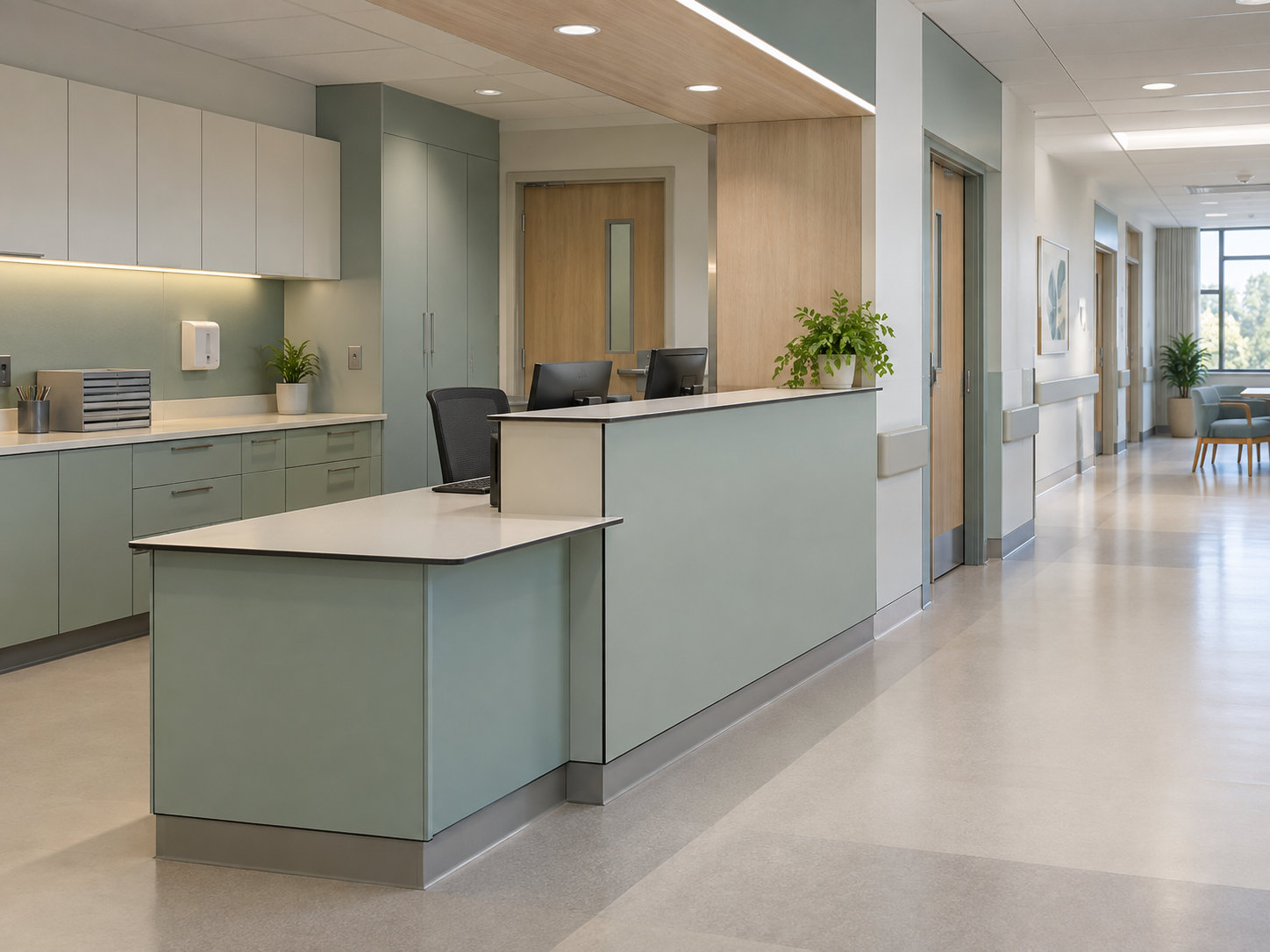
01 / Care environment & operational conditions
Start with how the room is used
Define the intended room type and applicable project and local requirements. General patient rooms, outpatient consultation rooms and clinical support spaces have different patterns of contact and access.
Circulation and contact zones
Map user and staff circulation, furniture positions and door swings. Locate repeated contact and impact zones, exposed corners, openings and door interfaces in relation to those activities.
Cleaning and moisture
Share the facility's cleaning routines and approved cleaning agents. Review moisture exposure and wet-area transitions alongside the proposed surfaces, joints and adjoining materials.
Services and access
Identify required access to building services, replaceable components and installation restrictions in occupied areas. Coordinate inspection and replacement with the facility team.
02 / System configuration
Connect the wall and fitted furniture
Wall lining and protection zones
Select the panel grade and thickness for the intended use. Set out wall lining and lower protection zones around room dimensions, with coordinated exposed edges and joints.
Work surfaces and casework
Review cabinet fronts, casework and thin compact laminate work surfaces as a supported assembly. Confirm support positions, fixing locations and spans for each component.
Transitions and accessible interfaces
Locate door and frame transitions, access panels and service interfaces from approved room information. Resolve opening clearances and preserve replacement and maintenance access.
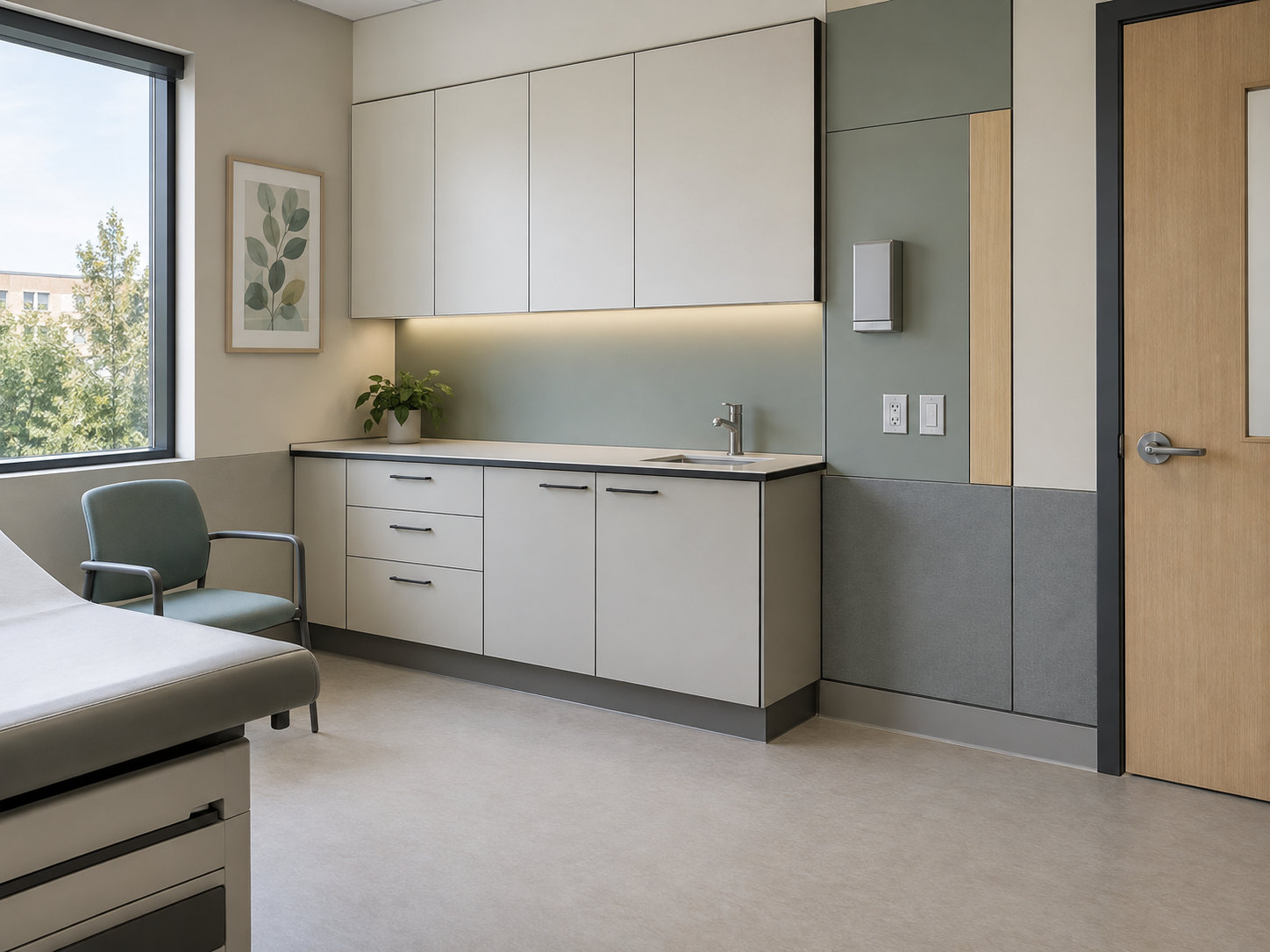
03 / Design & fabrication options
Resolve the surface and machined edges
Surface, colour and room zoning
Coordinate surface and colour choices using approved samples. Review room zoning, visual contrast and panel modules alongside cabinet and work-surface components.
Slim profile and exposed core
Develop a slim compact laminate configuration around 12 mm, subject to the selected grade and required support. Coordinate CNC-cut exposed edges with a visible black core, corner geometry, openings and hardware preparation.
Joint alignment and drawings
Record panel modules, joint alignment, exposed edges and fixing positions in fabrication drawings. Confirm machining tolerances and check the layout against measured room elevations before fabrication.
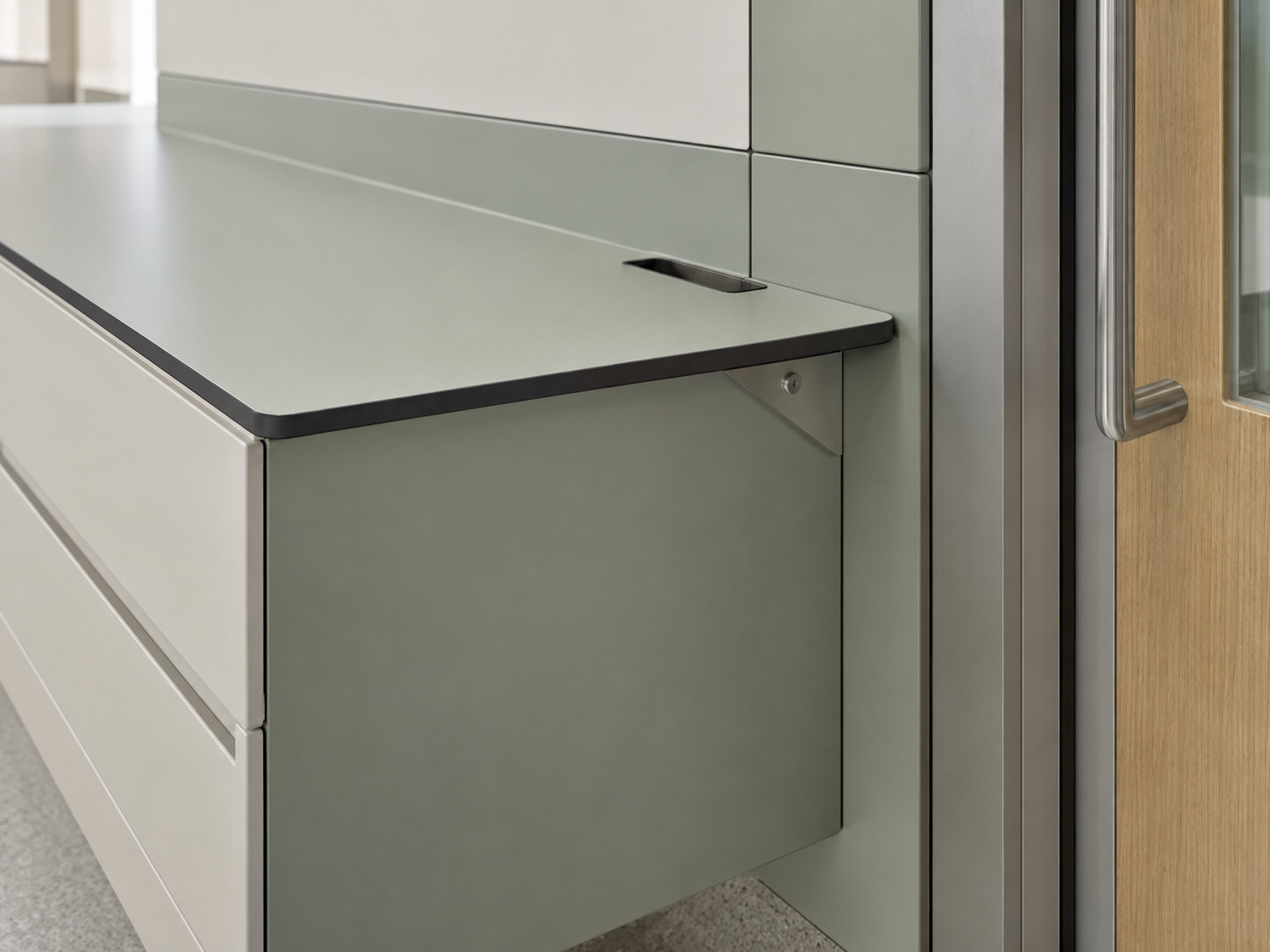
04 / Installation & interfaces
Resolve the junctions on site
Substrate, support and site measurements
Verify the substrate and supporting structure. Confirm site measurements, fixing positions and installation tolerances before coordinating rails, brackets and cabinetry.
Joints, corners and adjoining components
Resolve panel joints and edge clearance at internal and external corners, door frames and openings. Coordinate cabinet, shelf and worktop interfaces with the approved room details.
Moisture transitions and service access
Review moisture transitions and any sealant compatibility against product data. Coordinate services and access requirements with adjoining trades, preserving inspection points and a defined removal sequence.
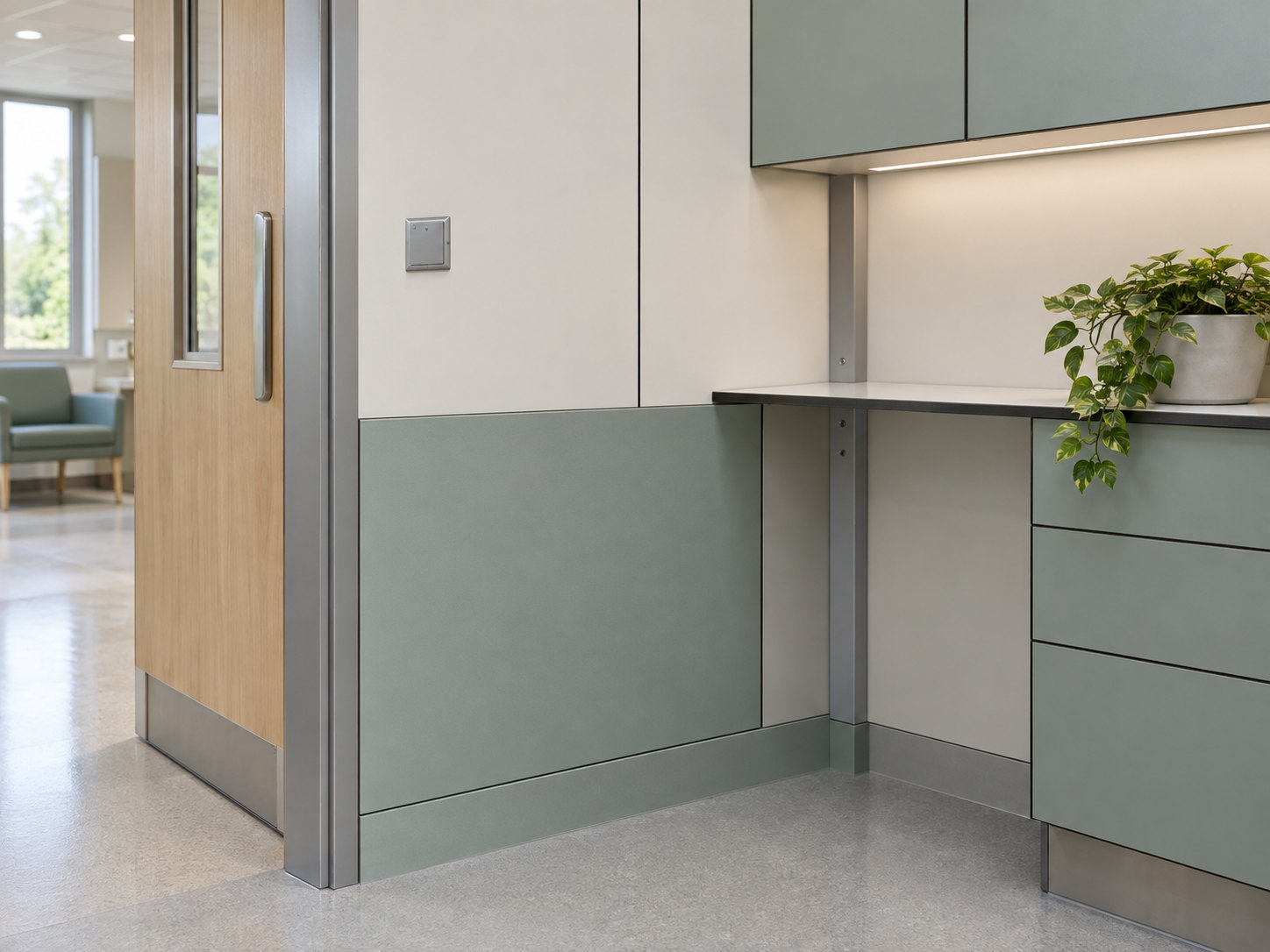
05 / Configuration scenarios
Healthcare Configuration Scenarios
Illustrative room configurations explore panel layouts, furniture and everyday interfaces. They are design discussion examples; material selection and final details require project review.
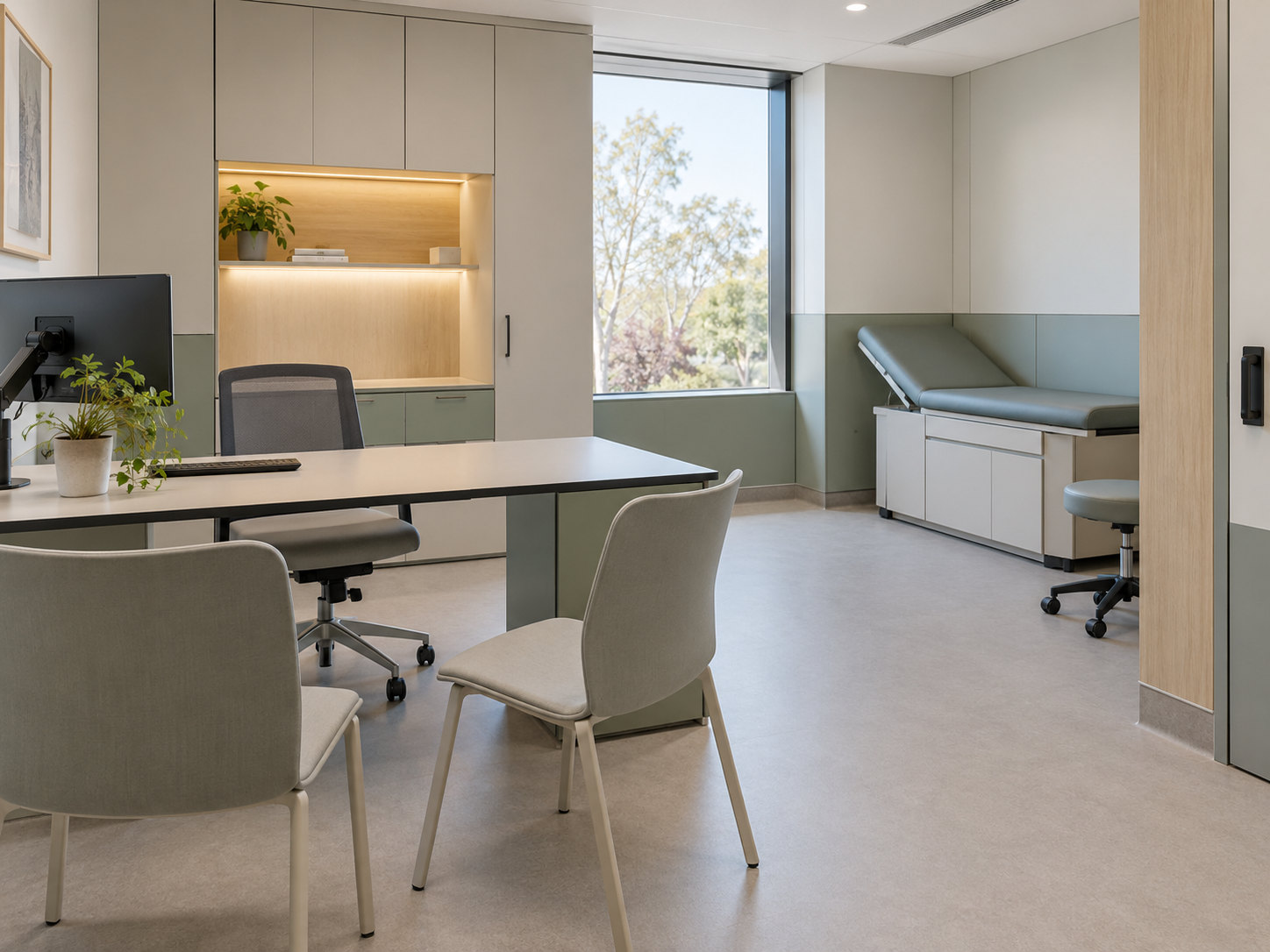
Configuration scenario
Outpatient Consultation
Coordinate the consultation desk, fitted storage and wall modules around seating, door movement and access. Review worktop support and fixture positions with the room layout.
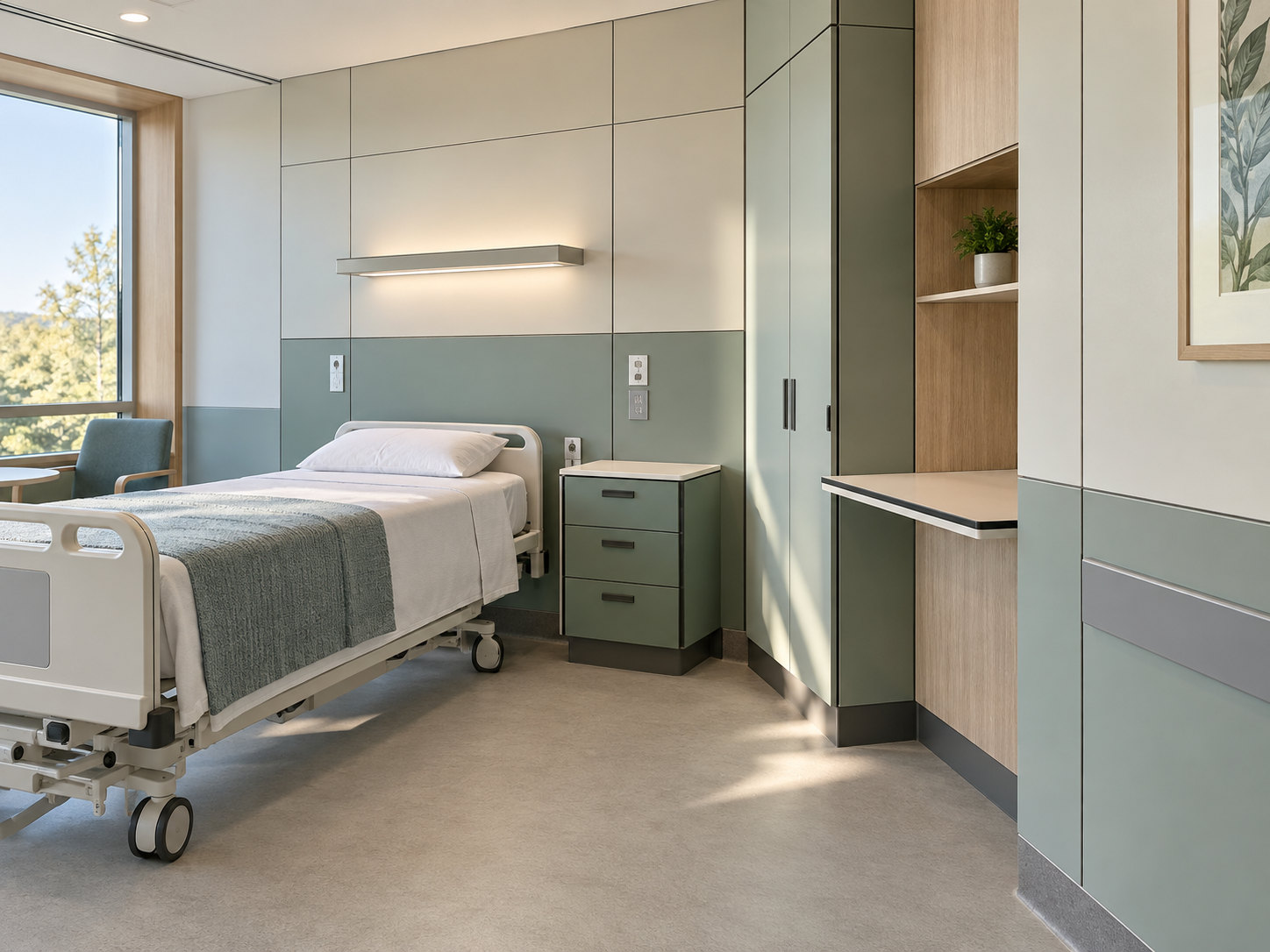
Configuration scenario
Patient Room
Arrange wall modules, lower contact zones and bedside storage around everyday use. Coordinate exposed edges, service access and cleaning routines with the facility team.
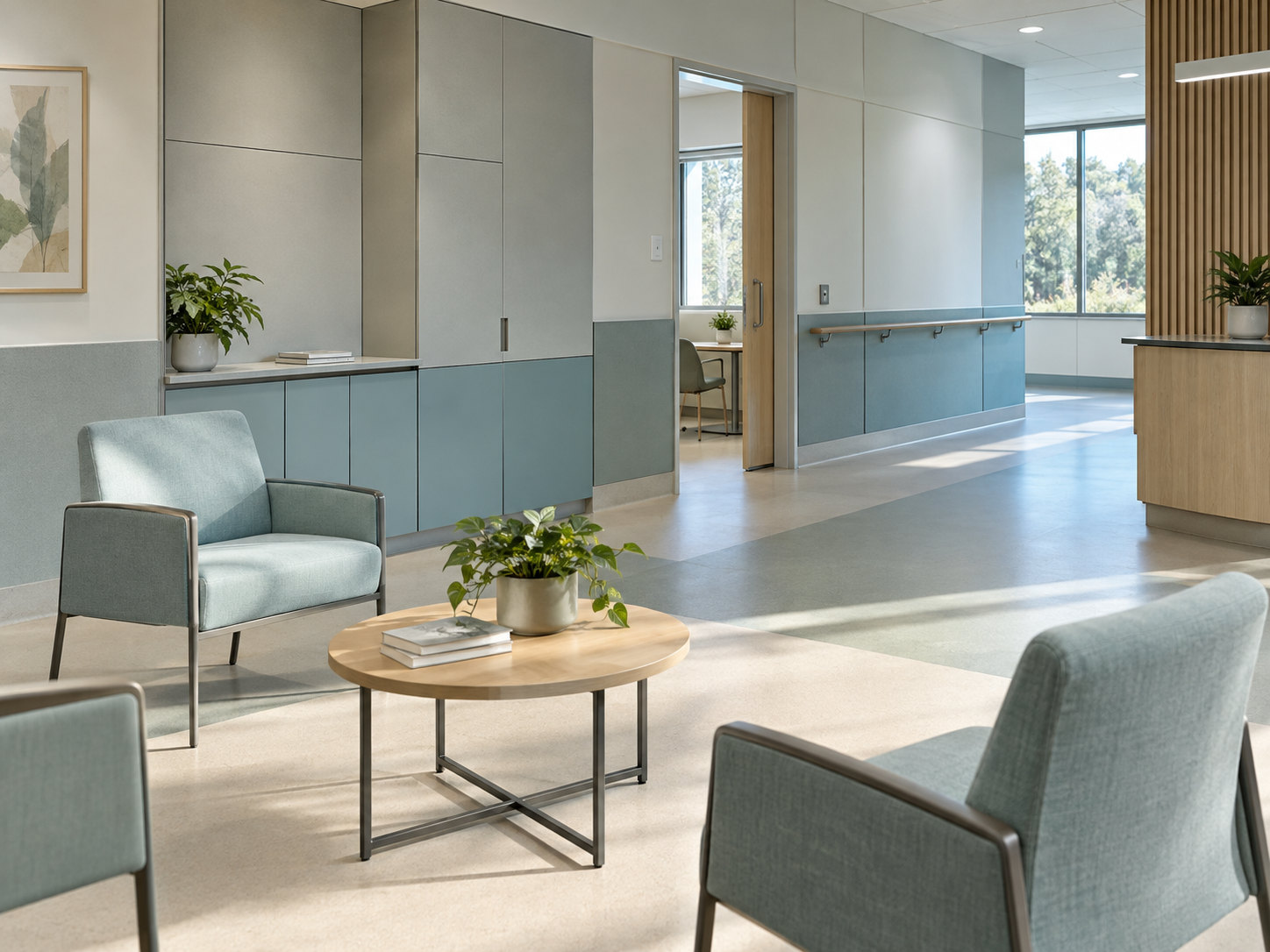
Configuration scenario
Rehabilitation / Day Clinic
Review waiting areas and circulation alongside wall modules, handrail interfaces and storage. Locate contact zones and coordinate accessible maintenance points.
06 / Evidence & project documentation
Evidence and project documentation
WIVICS connects application engineering and localized specification with panel configuration, fabrication coordination and installation interface coordination. Project documentation records the proposed assembly and the evidence for its intended use.
Product and use information
Collect technical data, applicable test evidence, approved samples and the facility's cleaning and maintenance requirements for the selected panel system.
Coordinated fabrication details
Record panel layouts, machining information, support details and fixture interfaces in the drawing set. Track revisions and approvals before fabrication.
Localized specification
Review project requirements and applicable local provisions with the responsible design team. Identify the documents and acceptance criteria required for each assembly.
07 / Panel system
Review Compact Laminate Panels
Explore panel construction, the visible core and fabrication considerations as inputs to the room review. Confirm the proposed grade and thickness against cleaning compatibility, support conditions and the project's documentation requirements.
Explore Compact Laminate PanelsProject review
Discuss a Healthcare Project
Share the room types, layouts, cleaning routines, repeated-contact areas, fixture requirements and project schedule.
WIVICS coordinates the brief with panel configuration, fabrication, installation interfaces and the documentation needed for a localized specification.